FramePack: Practical Video Diffusion on Consumer GPUs
Generate full-length 30 fps videos, frame by frame, on laptops and desktops with only 6 GB VRAM. Join thousands of creators already accelerating their workflow with FramePack.
Image-to-5-Seconds (30fps, 150 frames)
All results are computed by RTX 3060 6GB laptop with 13B HY variant. (Videos compressed by h264crf18 to fit in GitHub repos.)
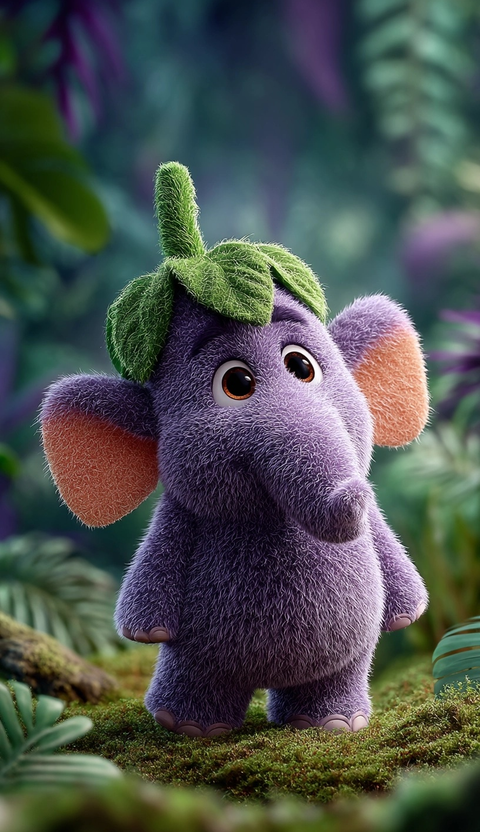
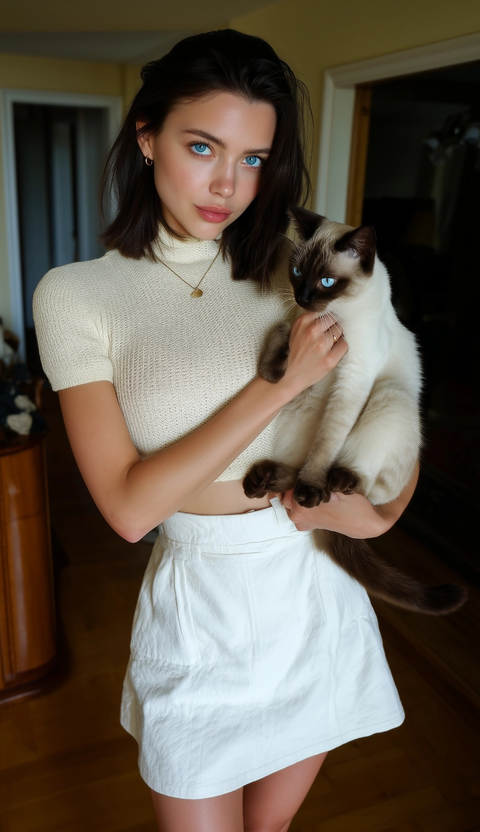
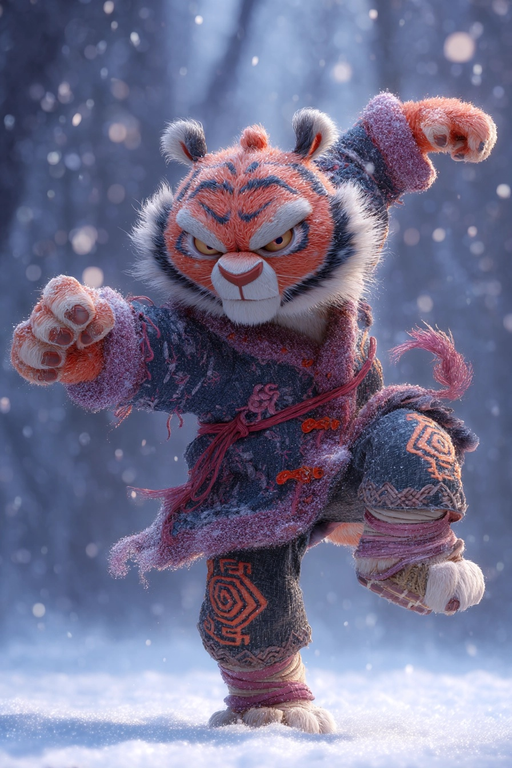
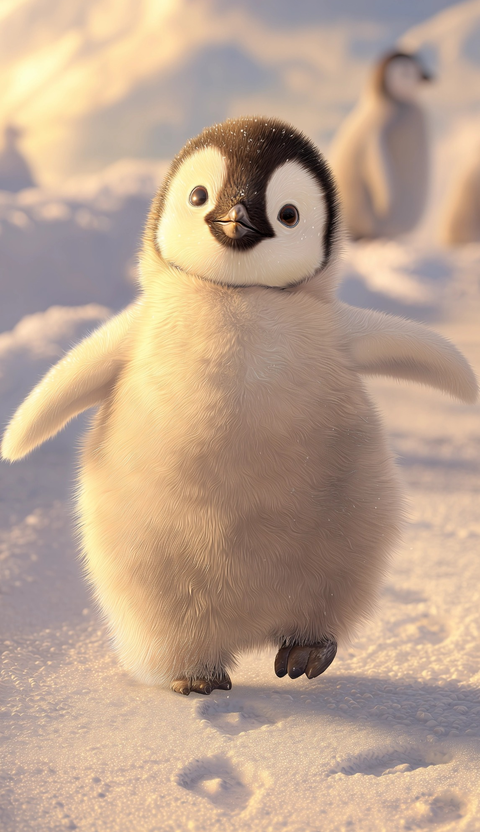
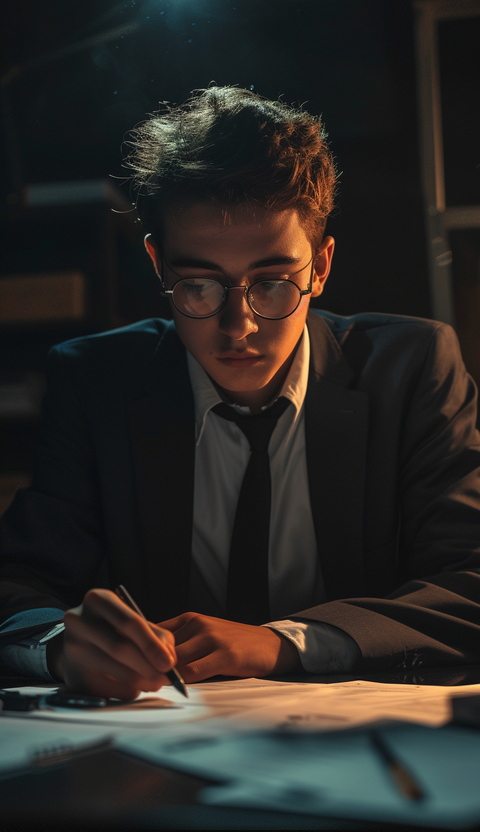
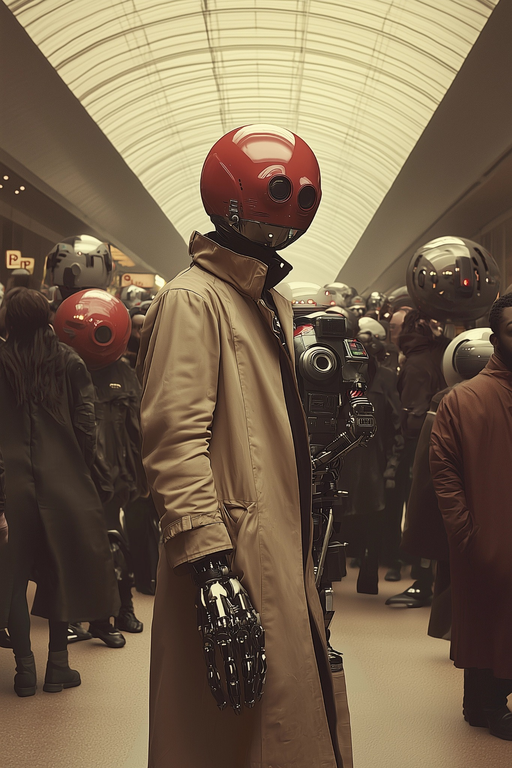
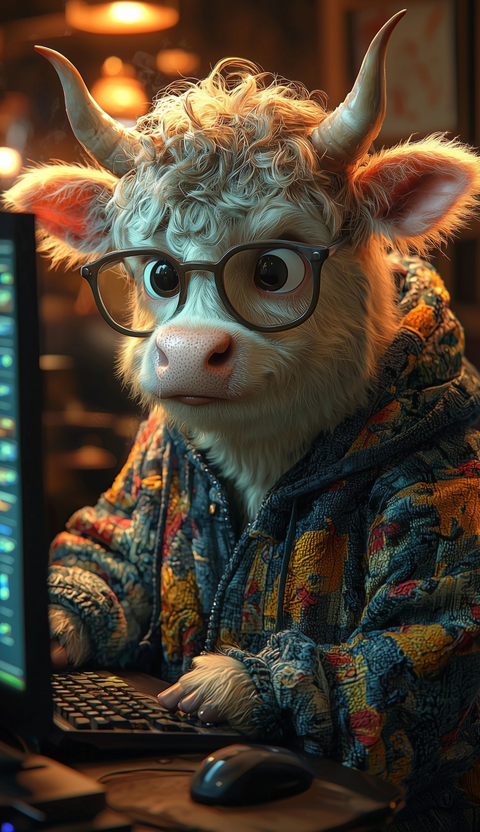
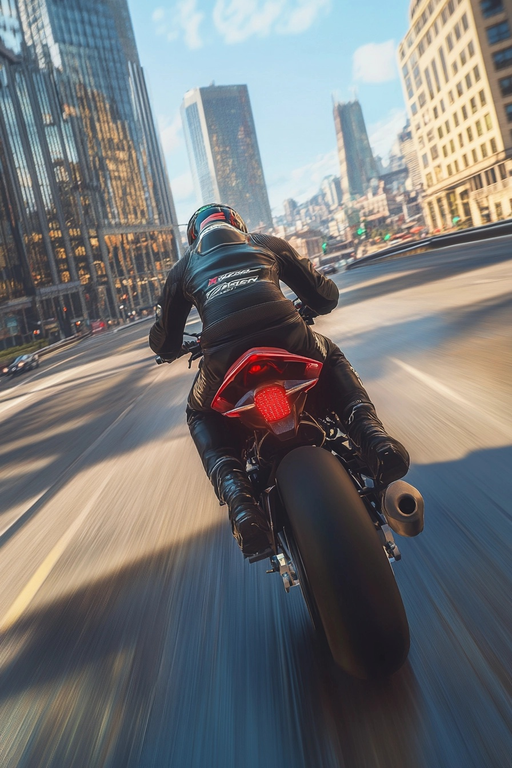
Image-to-60-Seconds (30fps, 1800 frames)
All results are computed by RTX 3060 laptop 6GB with 13B HY variant. (Videos compressed by h264crf18 to fit in GitHub repos.)
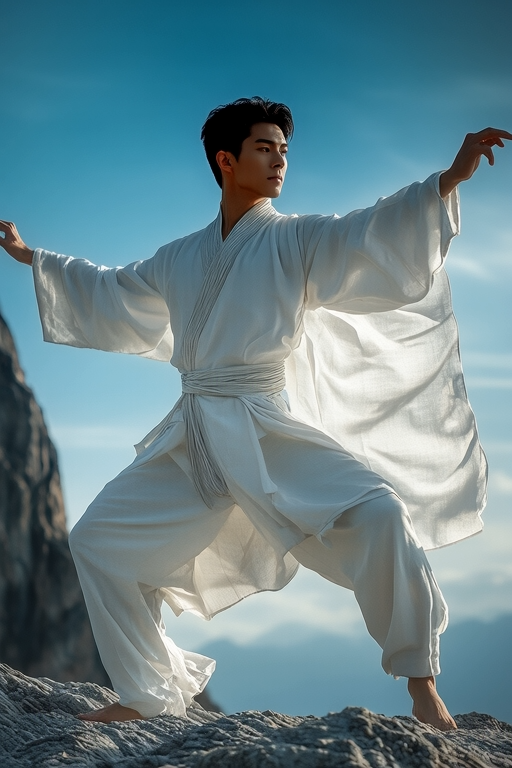
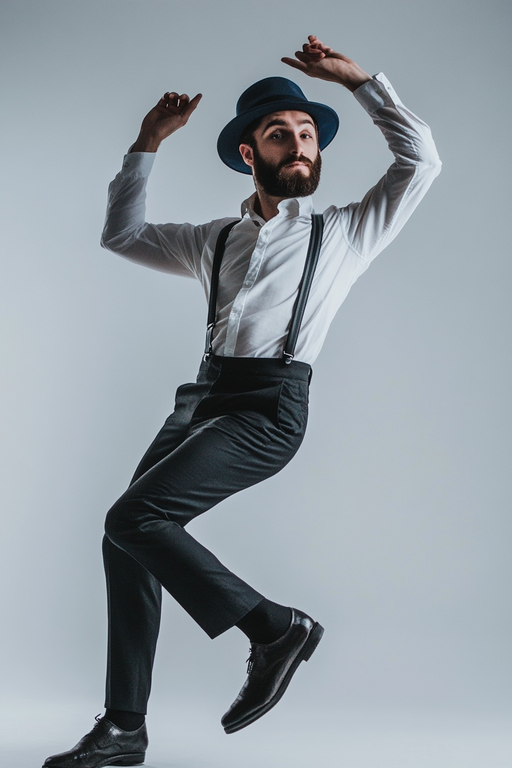
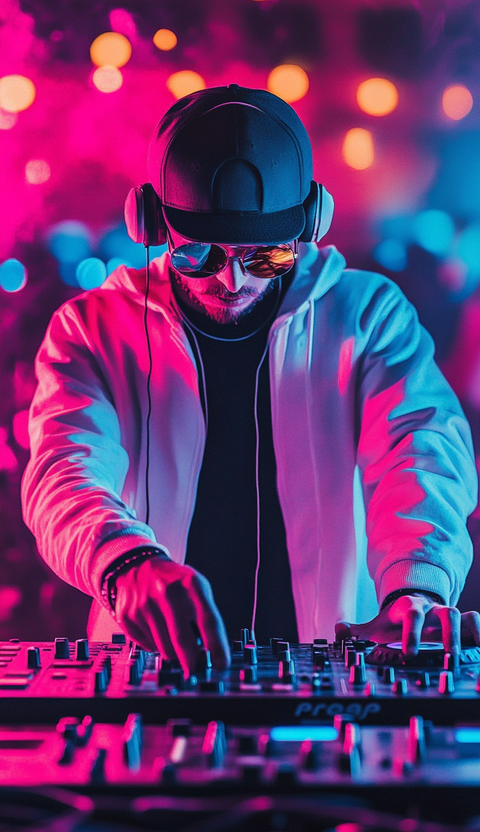
Why choose FramePack?
Low VRAM Requirements
Generate high-quality videos with just 6GB of VRAM, making it accessible for laptops and budget GPUs.
Full-Length 30 FPS Videos
Create smooth, professional-quality videos at 30 frames per second, up to 60 seconds long.
Open Source & Extensible
Built for researchers and developers with a modular Python codebase that's easy to extend.
Who is FramePack for?

Content Creators
Bring still images to life using FramePack for YouTube, TikTok, and marketing videos in minutes.

Researchers & Devs
Prototype new video diffusion ideas quickly by extending FramePack's modular Python codebase.

Studios & Agencies
Use FramePack to iterate storyboards and dynamic ads without costly render farms.
FramePack features you'll love
Optimized Performance
~2.5s per frame on RTX 4090 (1.5s with optimizations) and proportionally efficient on laptops.
High-Quality Output
Generate professional-grade videos with consistent style and smooth transitions.
Cross-Platform Support
Fully supported on Linux with Windows one-click package coming soon.
Active Community
Join a growing community of creators and researchers pushing the boundaries of AI video generation.
What FramePack users say

Reddit user @ai_enthusiast
“Finally, video diffusion that runs on my 8 GB laptop GPU! FramePack feels as snappy as Stable Diffusion for images.”
FramePack FAQ
RTX 30-, 40-, and 50-series cards with FP16/BF16 support. Lower-tier cards may work but are untested.
Installation
We recommend having an independent Python 3.10.
pip install torch torchvision torchaudio --index-url https://download.pytorch.org/whl/cu126
pip install -r requirements.txt
To start the GUI, run:
python demo_gradio.pyNote that it supports --share, --port, --server, and so on.
The software supports PyTorch attention, xformers, flash-attn, sage-attention. By default, it will just use PyTorch attention. You can install those attention kernels if you know how.
For example, to install sage-attention (linux):
pip install sageattention==1.0.6However, you are highly recommended to first try without sage-attention since it will influence results, though the influence is minimal.
Prompting Guidelines
Effective prompting is essential for achieving optimal results with FramePack. The following guidelines will help you craft prompts that generate high-quality video animations from your images.
Recommended Prompt Template
For consistent results, we recommend using the following ChatGPT instruction template to generate motion-focused prompts:
Example Output
When you provide an image to ChatGPT with the above instructions, you'll receive a concise motion prompt such as:
Writing Your Own Prompts
You can also craft your own prompts following these principles:
- Keep prompts concise and focused on motion
- Structure as: subject → motion → additional details
- Prioritize dynamic movements over static poses
- Be specific about the quality of movement (gracefully, powerfully, etc.)
Examples of effective custom prompts: